
Deliver Excellence Solution with High Performance Result
For your business to stand out from its competitors, you must apply disruptive design thinking to your transformation strategy.
Get started for freeNo credit card needed, free 14-day trial

What is Invoice Management?
A cloud-based platform that automates the entire invoice management lifecycle, from receipt to payment, using intelligent automation and a centralized workflow.
Digitalization Invoice
Digitizes the entire Invoice Process cycle
Centralizes Workflows
Centralizes and streamlines Invoice workflows
Efficiency
Enhances efficiency and controls spending
Integration
Provides tax calculation and integration
Invoice management transformation
Document
Digital
Strategic
Automate Sourcing Doc
Vendor Self Services
3 Way Matching
Dynamic Workflow
Expense Management
Processing Payments
Product Feature
Invoice Submission
Automation reduces transaction times and administrative overhead by nearly 80% compared to manual processes.
Invoice Verification
Streamlined workflows and automated approvals accelerate the purchasing cycle, reducing human error and delays.
Expense Management
Centralized platforms provide real-time visibility into all expense management activities, helping enforce budget compliance.
Debit/Credit Note
Simplified communication, performance tracking, and collaboration build stronger relationships with suppliers.
Invoice Central Monitoring
This feature acts as a Invoice Command Center for a business's accounts payable process, ensuring efficiency, accuracy, and compliance.
SAP/ERP Integration
Seamlessly connect with SAP ERP systems to synchronize vendor data, purchase orders, and GR
Automate Tax Calculation
Automatically perform calculations for Article 23 (services), Article 21 (salary), or Article 4(2) (rent/specific services) Income Tax based on transaction type and vendor details.
Faktur Pajak Validation
The scanner will decode the QR code, which contains a secure, encrypted link to the Faktur Pajak data on the DJP's server.
Digital BAST
Digitally manage and generate BAST documents, allowing for real-time tracking of service or goods delivery status
Automated 3Way Matching
PO, GR, and invoice match without manual checks; overbilling exceptions decline nearly 50%, and touchless match rate increases on average 35%.
Dynamic Workflow Approval
Rules route requests to the right approvers instantly approval wait time drops on average 50%, and SLA adherence improves nearly 20% points.
Digital Signature Integration
Enable secure and legally binding digital signatures for both BAST and invoice approvals collaborate with MEKARI Platform.
Vendor Performance Review
Monitor, evaluate, and improve vendor performance with structured scoring, compliance tracking, and actionable insights.
Scenario 1 – PO without DP,
Partially Payment
Invoice & Expense Management Ingestion
Invoice Self Services
The platform automatically validates vendor-submitted invoices by checking open transaction to be Invoice.
Multi-Channel Ingestion
The platform automatically validates vendor-submitted invoices by checking open transaction to be Invoice.
Automated Validation & Digital Sign Enable
The platform automatically validates vendor-submitted invoices by checking open transaction to be Invoice.
Invoice Processing & Verification
Rule-Based Workflow Automation
The platform automatically validates vendor-submitted invoices by checking open transaction to be Invoice.
3 Way Matching Automation
The platform automatically validates vendor-submitted invoices by checking open transaction to be Invoice.
Tax Integration and Calculation
The platform automatically validates vendor-submitted invoices by checking open transaction to be Invoice.
Payment & Spend Analytics
Seamless SAP/ERP Integration
The platform automatically validates vendor-submitted invoices by checking open transaction to be Invoice.
Invoice Analytic
The platform automatically validates vendor-submitted invoices by checking open transaction to be Invoice.
Expense Analytic
The platform automatically validates vendor-submitted invoices by checking open transaction to be Invoice.
Multichannel Invoice Submission
Vendor Self Services Portal

B2B Integration (FTP-Massive Invoicing)
Email Attachment
Vendor Invoice Portal
(with PO)
1. A guided workflow portal
A guided workflow portal for invoice submission is an excellent feature that simplifies the process for both vendors and internal teams. It eliminates confusion by leading the user through a series of clear, step-by-step actions.
2. Automates Tax Calculation
Automates Tax Calculation of three primary Indonesian taxes PPh 21 (Progressive Tax), VAT (Value Added Tax) and WHT (Withholding Tax)
3. Automated PO-GR Matching
Automated PO-GR Matching Once a vendor enters the Purchase Order (PO) number, the system will automatically pull in the associated details from your SAP.
4. Additional Cost Feature
Additional Cost Feature provides a flexible way to add any costs that are not part of the standard line items on the invoice, ensuring a more accurate and comprehensive calculation. It is especially useful for handling logistics, administrative, or other variable fees.
5. Multiple scenario Invoice
Multiple scenario Invoice condition feature provides the flexibility to handle a variety of complex billing situations beyond a standard single invoice(Advance Payment & Partial Process)
6. Multiple Company Code
Multiple Company Code & Centralized Management Manage invoices for multiple company codes from a single, centralized platform.
OCR & AI Approach
Our tax processing system uses OCR to automatically extract key data from vendor invoices and tax documents with high accuracy. An AI validation engine then checks NPWP, invoice numbers, dates, DPP, PPN, and sales amounts against tax rules and company policies.

Pesan revisi otomatis
The system also performs AI-driven mismatch detection, comparing PO, invoice, and tax invoice values to identify discrepancies instantly.
Generates a clear AI-crafted revision message that can be sent back to the vendor with one click.
End-to-end automation reduces manual effort, prevents tax errors, and ensures compliance throughout the invoice verification workflow.
Invoice Processing Features
(with PO)
Rules route requests to the right approvers instantly approval wait time drops on average 50%, and SLA adherence improves nearly 20% points.
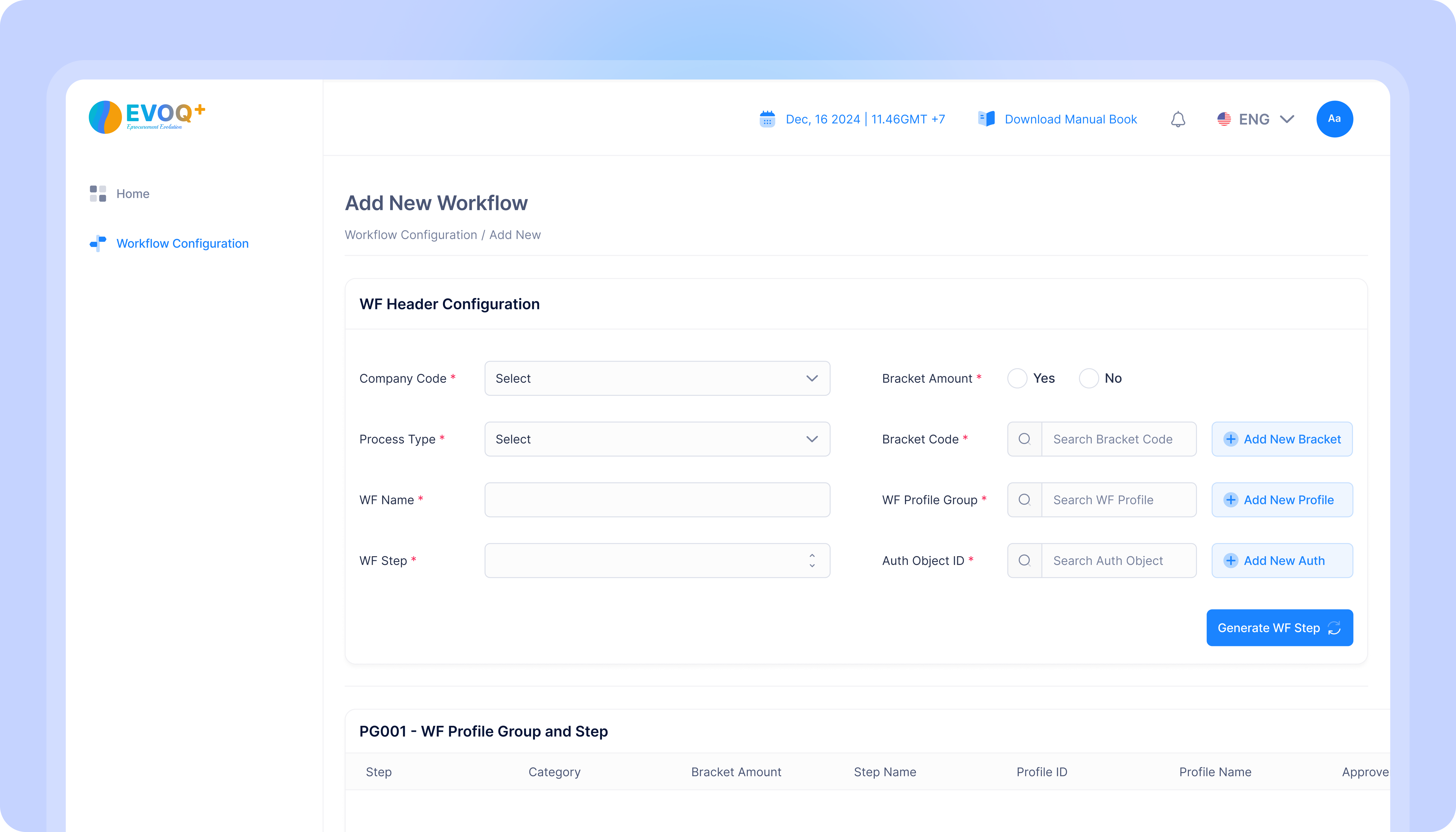
Vendor Invoice Portal
(with PO)
1. Central workflow
Central workflow ensures that all approvals and rejections are handled from a single, controlled interface, making the process both transparent and auditable.
2. Central Action
Central Action serves as the central point for verification and action. Each invoice is listed with key information like its number, vendor, amount, and status.
3. Automated PO-GR Matching
Automated PO-GR Matching Once a vendor enters the Purchase Order (PO) number, the system will automatically pull in the associated details from your SAP.
4. Workflow History Tracking
Workflow History Tracking to the Invoice Management System. This will allow you to see a clear, chronological log of all actions taken on each invoice, providing better transparency and a more complete audit trail.
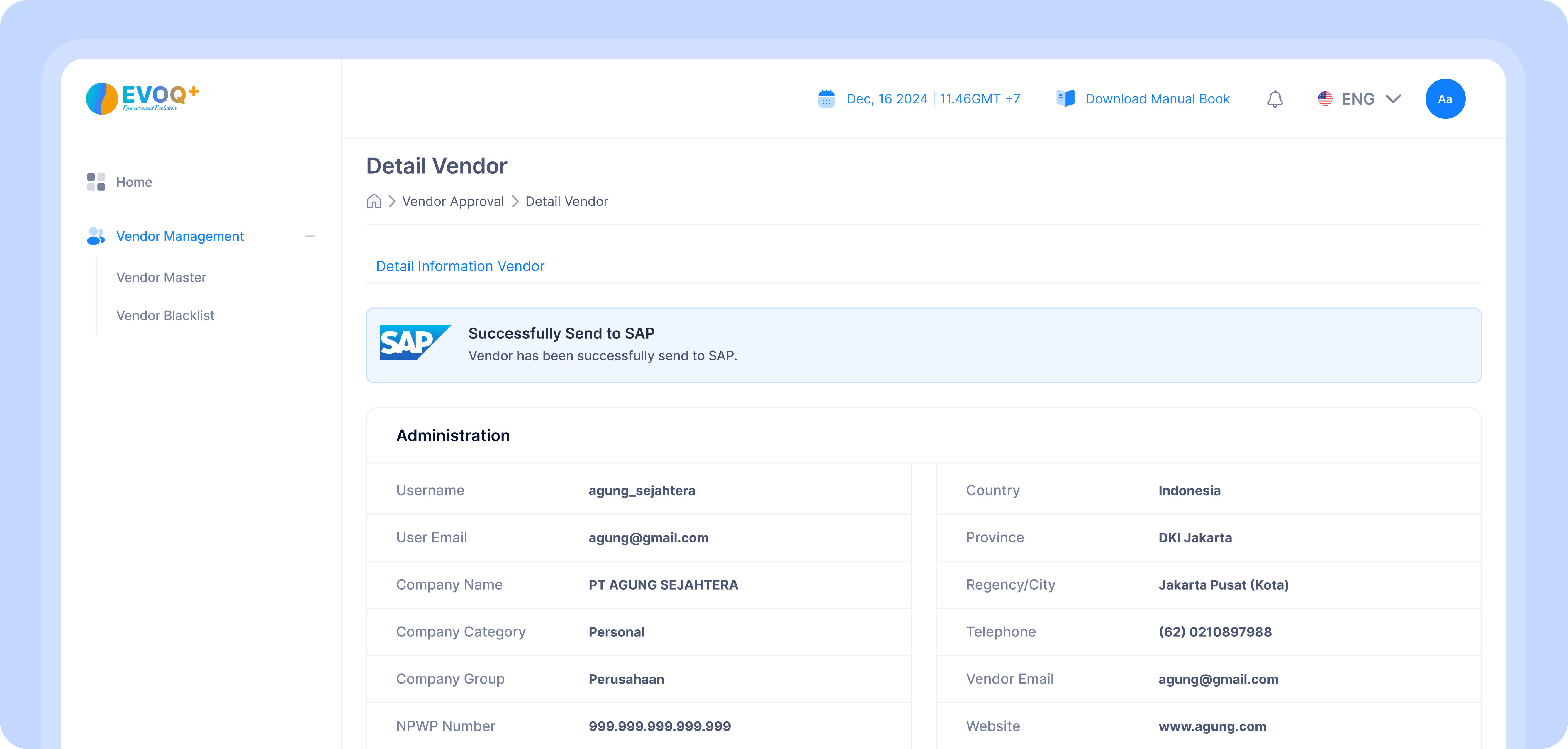
Invoice Posting & SAP Integration (with PO)
Seamlessly connect with SAP ERP systems to synchronize vendor data, purchase orders, and GR
Reach your audience through social media marketing
The dashboard provides a clear overview of the invoice management process through several key features
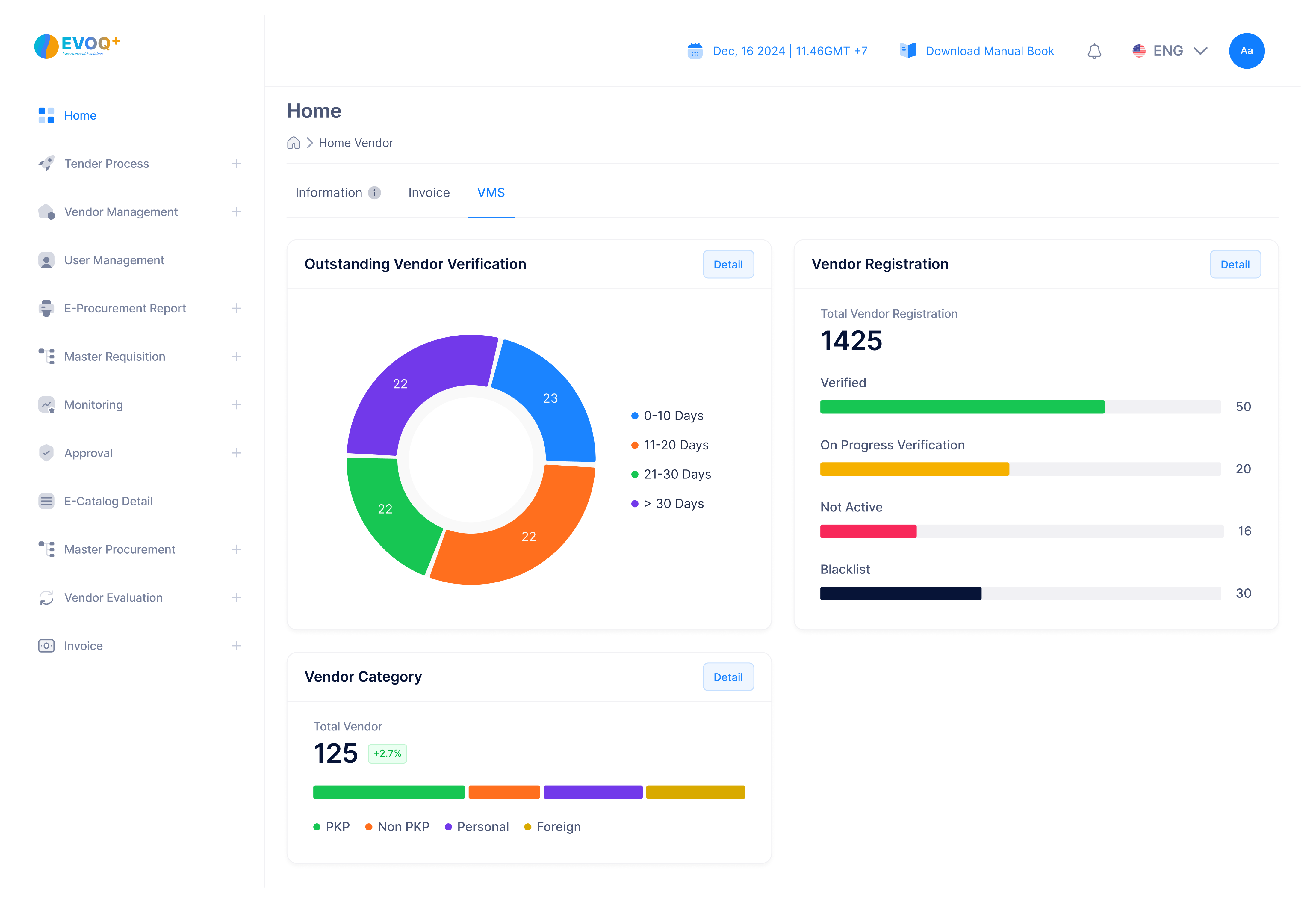
1. Invoice Categories
Invoice aging categorizes outstanding invoices by the length of time they have been overdue. This helps a company quickly identify which payments need immediate attention. By breaking down the data into time-based brackets, the dashboard allows finance teams to prioritize their workload and manage accounts payable more effectively.
2. Invoice Summary
Invoice Summary: It shows the total number of invoices, the count of validated invoices, and those still pending validation.
3. Validation Process
Validation Process Visualization: at-a-glance visualization of the validation status of all invoices.
4. Detail Table
Detailed Table: The "Recent Invoices" table provides a closer look at each transaction, including the invoice ID, vendor, amount, and its current validation status.